Theme, language and font size
Switch to dark mode, change the interface language and adjust text size.
Make AI Assistify comfortable to use: switch between light and dark, change the interface language, and adjust the text size in conversations.
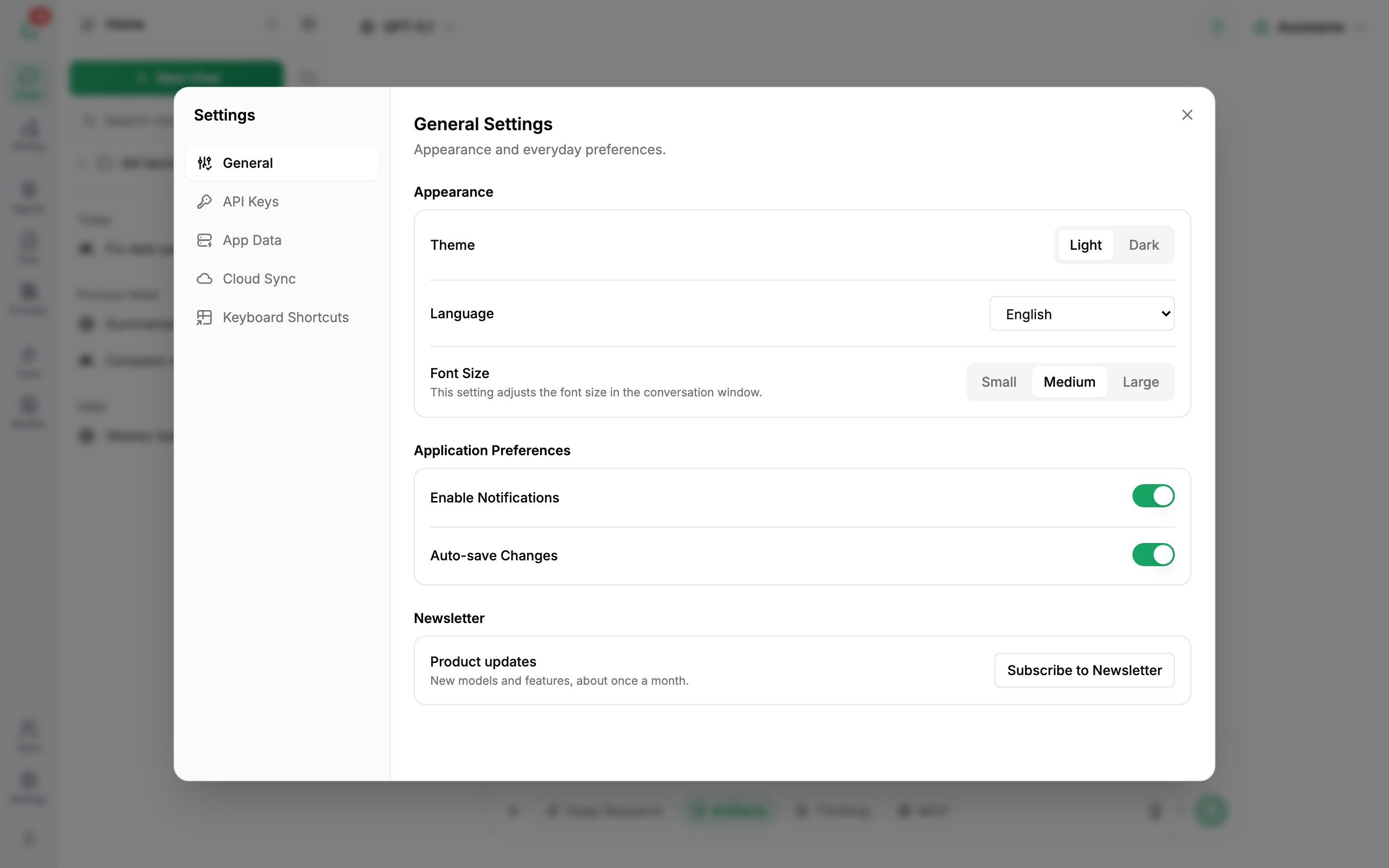
Open General settings
Click Settings (the gear) in the left icon bar, then General. Your choices are saved straight away.
Theme
Under Theme, choose Light or Dark.
Language
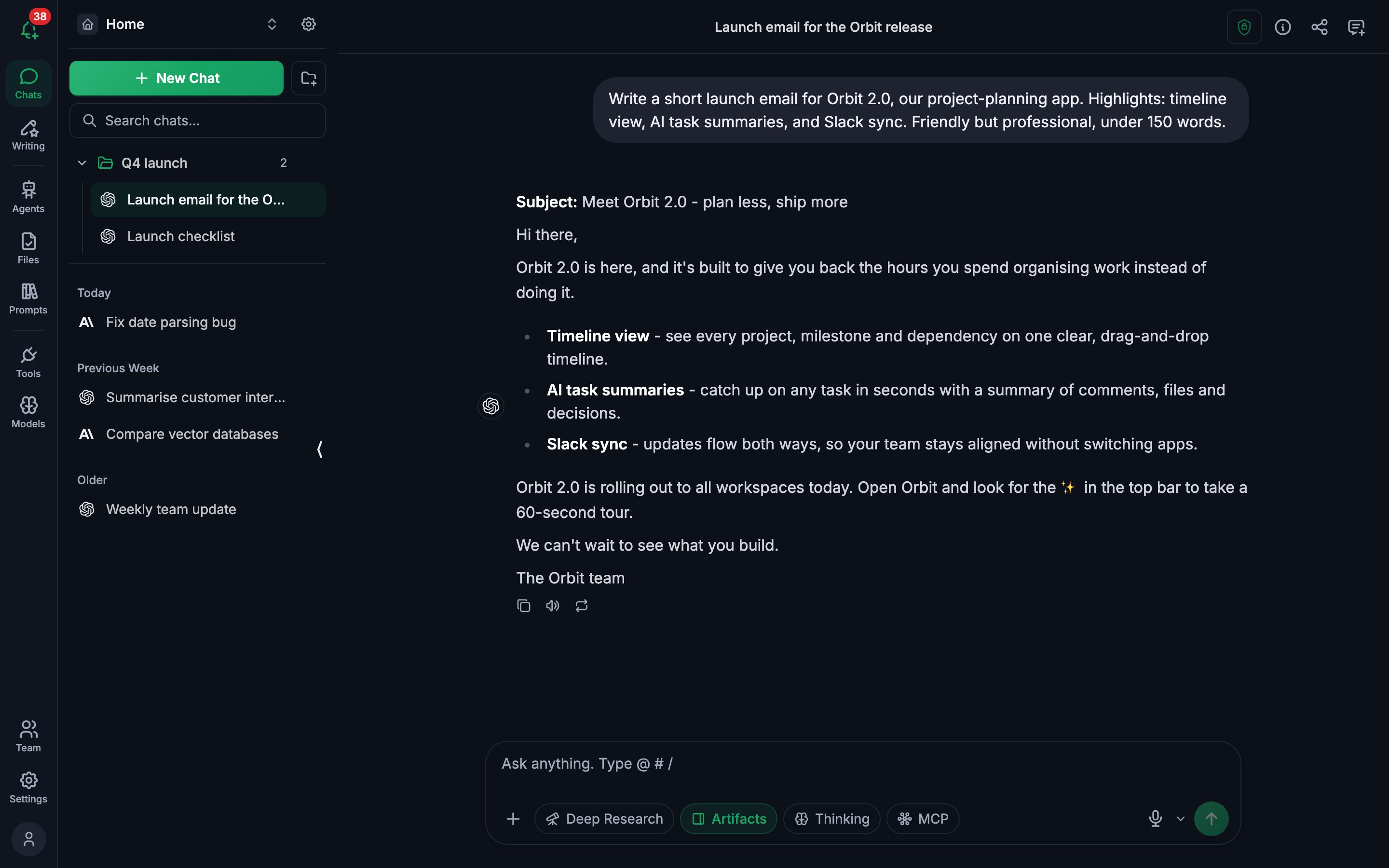
Under Language, pick the language for menus, buttons and messages. The interface is available in English, Tiếng Việt, 中文, 日本語, 한국어, Español, Français, Deutsch and Português.
Font size
Font Size changes the text size in the conversation window: Small, Medium or Large. It doesn't affect the rest of the interface - use your browser's zoom for that.
Other preferences
Application Preferences also lets you turn on Auto-save Changes and Enable Notifications, and subscribe to the newsletter.
Install as an app
AI Assistify works as an installable web app. In Chrome or Edge, use the install icon in the address bar; on iPhone or iPad, use Share → Add to Home Screen. It then opens in its own window like a native app.
Was this article helpful?