
Copy, edit, regenerate and fork messages
Everything you can do with a message - plus read-aloud and message history shortcuts.
Hover over any message to see its actions. They let you reuse or fix a conversation without starting over.
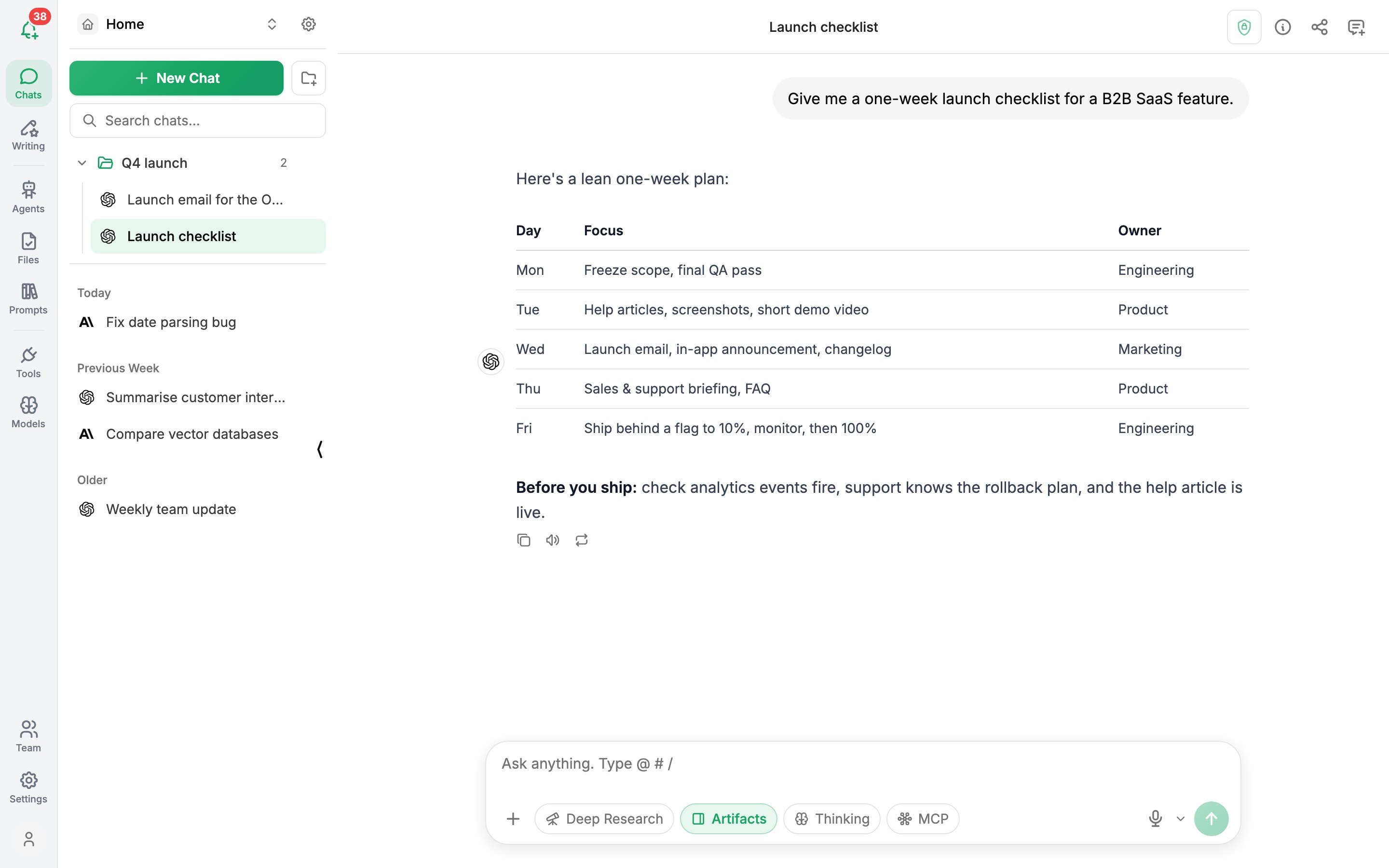
Actions on AI replies
| Action | What it does |
|---|---|
| Copy | Copies the reply as text |
| Regenerate | Asks the model for a new version of the reply (on the latest reply) |
| Read aloud (speaker icon) | Reads the reply using your browser's voice. Click again to stop |
Actions on your messages
| Action | What it does |
|---|---|
| Edit | Change what you wrote and send it again. Choose Save & Send to get a new reply |
| Copy | Copies your message |
Reuse previous messages
In the message box, press Ctrl⇧ Shift↑ to bring back your previous message, and Ctrl⇧ Shift↓ to move forward again. It's a quick way to resend or tweak something you've already asked.
Paste images
With a vision model selected, paste an image straight into the message box (CtrlV) to ask about it.
Was this article helpful?